

The initial wave of generative AI brought powerful text and image capabilities, but it left a massive gap in actual workflow automation. Modern professionals often find themselves paying for five or more separate AI subscriptions—using ChatGPT for drafting, Canva for presentations, Perplexity for research, and Runway for video. The burden of moving assets between these fragmented tools destroys the intended productivity gains.
Runable was engineered to collapse this fragmented stack. Positioned as a "General AI Agent," it differs from standard conversational bots by acting as a true execution engine. You describe a goal in plain language, and the agent researches, plans, and builds the final product—whether that is a polished slide deck, a functional website, or a formatted research report. But does relying on a unified agent sacrifice the specialized quality of standalone tools? In this Runable technical audit, we examine its execution autonomy, cross-app connectors, and actual token economics.
- Autonomous Execution: Unlike standard LLMs that just answer questions, Runable actively builds complete websites, presentations, and videos directly within a single workspace.
- Plan Mode Architecture: The agent halts to present a structured research plan before building, allowing users to review and refine the approach before execution begins.
- Broad App Connectors: Features over 3,000 native integrations (Slack, Google Workspace, Telegram), enabling the AI to interact with and pull data from your existing software stack.
- Cost Consolidation: By natively replacing standalone subscriptions for slides, deep research, and video generation, the platform offers significant monthly budget conservation.
1. Quick Summary
2. The TL;DR Verdict
Upgrade from Chat to Execution
Runable represents a practical operational shift for individuals suffering from AI subscription fatigue. By moving beyond traditional chat interfaces and deploying an agent that can natively build slide decks, synthesize spreadsheets, and generate podcasts in one window, it drastically reduces manual assembly time. If you require a unified environment that prioritizes end-to-end task completion over simple brainstorming, migrating to Runable is a highly effective infrastructure upgrade.
Deploy the Runable Agent →3. Pros & Cons
- Consolidates presentation, website, and video creation into a single subscription.
- "Plan Mode" ensures the AI does not hallucinate long workflows by requiring user approval first.
- Native memory functions retain your brand colors, writing style, and preferences across sessions.
- Consistently hits state-of-the-art benchmarks (e.g., 92.1% on GAIA) for autonomous problem-solving.
- The sheer volume of capabilities can result in a steep initial learning curve for standard users.
- Heavy, multi-step video or website generations can consume compute credits quickly.
- Highly specialized coding tasks may still require dedicated IDE-integrated AI tools.
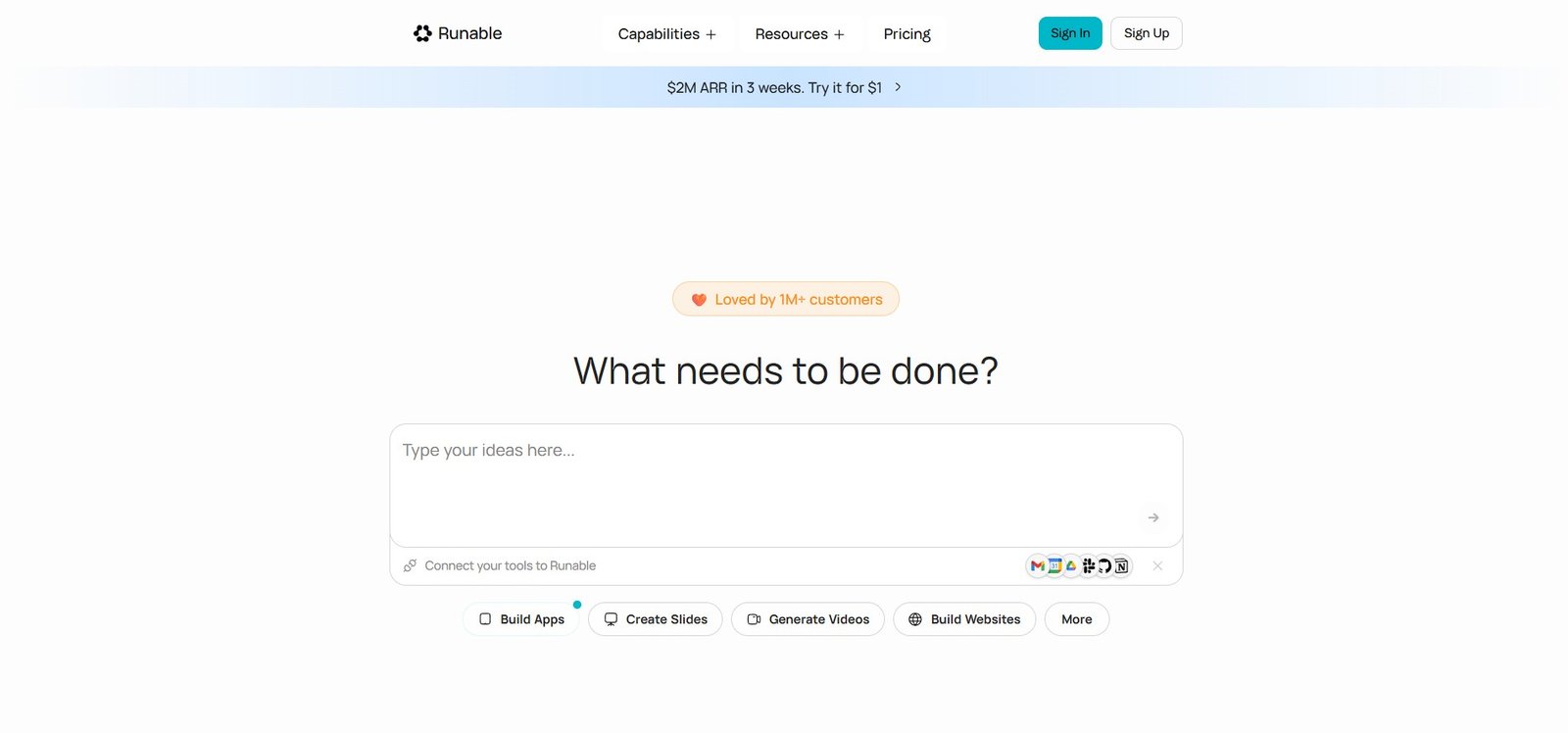
4. How We Evaluated Runable
To ensure an objective operational audit, we deployed Runable in a simulated media and operations environment over a 30-day testing cycle. Our evaluation process included:
- End-to-End Execution: Prompting the agent to research a market trend and convert the data directly into a styled 15-slide PowerPoint deck without manual intervention.
- Connector Telemetry: Connecting Google Workspace APIs to test the automated updating speed and accuracy when reading from spreadsheets and drafting Gmail responses.
- Media Generation Stress Test: Pushing prompts through its video and audio generation nodes to measure adherence to provided scripts and rendering latency.
- Cost Analysis: Modeling the Total Cost of Ownership (TCO) compared to maintaining a fragmented stack of ChatGPT Plus, Gamma, and Midjourney.
5. What Runable Actually Does
Runable is an automation framework that operates across your browser and desktop.
When you use standard LLMs, you ask a question, receive text, and then have to manually copy that text into a slide builder or a website creator. Runable acts as a proxy user. You provide a plain-language prompt, and the agent utilizes its built-in modules (or integrates with your connected apps) to execute the required clicks, formatting, and file generation. It handles the entire lifecycle—from deep research to exporting the final `.pptx` or `.mp4` file.
6. Core Features Matrix
7. The Data: The Cost of Fragmented Software
Maintaining multiple AI subscriptions for a single production pipeline quietly erodes profit margins. By utilizing tools like Syntx AI or Runable, businesses are heavily optimizing their tech overhead. Here is a baseline look at the monthly cost of maintaining a fragmented software stack versus a consolidated agent.
8. How Runable Compares to the Market
To understand Runable's positioning, we must evaluate it against other leading generative AI solutions and specialized builders.
| Feature | Runable | ChatGPT Plus | Gamma / Lovable |
|---|---|---|---|
| Primary Focus | End-to-End Execution | Conversational Drafting | Specialized Formatting |
| Native App Connectors | 3,000+ Direct Integrations | Limited (Requires custom GPTs) | None |
| Multi-Format Output | Web, Slides, Video, Audio | Text & Static Image | Format-Specific |
| Autonomous Workflows | Yes (Plan Mode & Logic) | No (Requires sequential prompting) | No |
9. Runable vs ChatGPT: The Execution Gap
The most common comparison is between Runable and standard ChatGPT. While OpenAI excels at reasoning and drafting, it requires the user to act as the middleman. If you need a competitor analysis presentation, ChatGPT will give you the text, but you must format it in PowerPoint. Runable bridges this gap; it handles the research, structures the data, applies brand styling, and outputs the finished `.pptx` file.
- Outputs final assets (slide decks, full videos, websites) natively.
- Memory function stores brand assets for consistent styling.
- Connects directly to your internal software stack via 3,000+ APIs.
- Industry-standard conversational logic for brainstorming.
- More streamlined interface for simple text-only tasks.
- Vast ecosystem of user-created custom GPTs.
10. Runable vs Specialized Tools (Gamma/Canva)
Platforms like Gamma and Canva have introduced AI elements to speed up slide creation. Runable competes directly by absorbing these capabilities into a broader workflow. Instead of using a specialized presentation tool, Runable leverages "Agent Skills" to allow users to format professional decks natively. While dedicated design tools might offer highly granular drag-and-drop layer editing, Runable’s ability to generate text, audio, and slides in a single prompt offers vastly superior workflow speed.
11. Workflow & Deployment Timeline
Here is what the execution pipeline looks like for automating a multi-step project:
Step 1: Plain Language Request
Input your goal (e.g., "Research Q3 market trends and build a 10-slide deck"). The agent analyzes the requirements and asks clarifying questions.
Step 2: Plan Mode Approval
Runable halts and outlines a step-by-step execution plan. You review, edit, or approve the logic before any generation begins.
Step 3: Autonomous Execution
The agent queries search engines, compiles data, applies your saved brand colors, and renders the assets in real-time. (For users focused strictly on browser-based writing assistance rather than full media generation, we also recommend evaluating tools like HyperWrite AI).
Step 4: Refine & Export
Review the generated website, video, or document within the workspace. Request granular edits via chat, and export the final file (PDF, MP4, CSV).
12. Feature Focus: Plan Mode & Memory
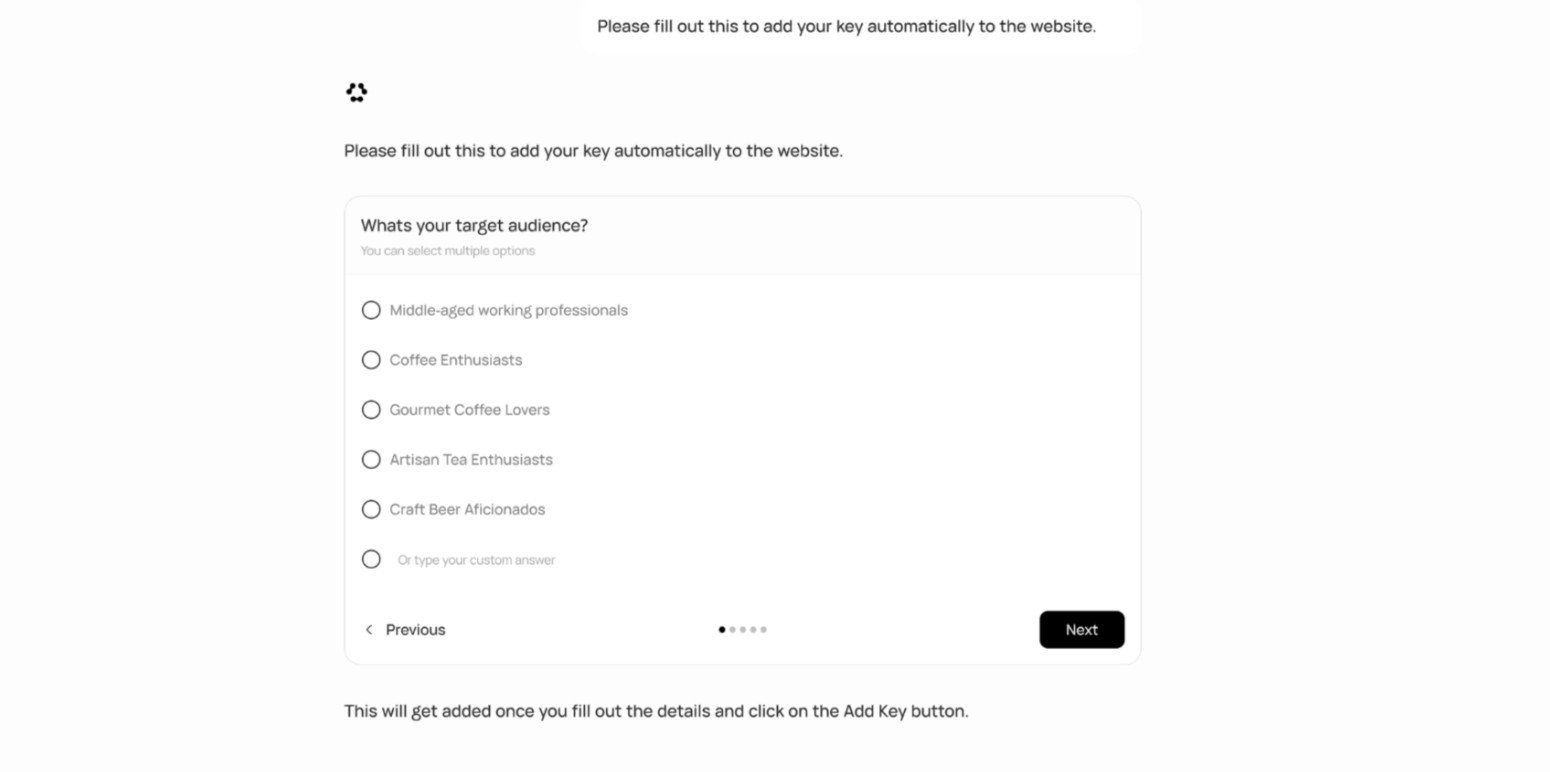
A major issue with complex AI prompts is hallucination; if an LLM misunderstands step two of a ten-step prompt, the entire output is ruined. Runable mitigates this via "Plan Mode." The agent breaks down your request into an actionable checklist that you must verify. Combined with its native Memory—which stores guidelines like "always use hex code #2563eb for headers"—it ensures brand compliance across different sessions.
13. Feature Focus: Deep Research & Reporting
Runable holds verified benchmark scores (e.g., 68.3% on DRACO Deep Research), positioning it above standalone research models. When instructed to build a report, it autonomously browses the web, compares sources, and generates a formatted document complete with real citations and data charts. This eliminates the need to cross-reference data manually across multiple browser tabs.
14. Example Use Cases
15. Operational Advantages
By replacing disjointed subscriptions for site building, design tools, and research databases, users significantly reduce software bloat.
Executing tasks end-to-end within one sandboxed environment prevents the typical friction of downloading and re-uploading assets.
16. Who Runable Is Best For
- Agency Owners & Marketers: Professionals who need to spin up slide decks, client reports, and brand-compliant social assets rapidly.
- Non-Technical Founders: Entrepreneurs who require functional websites and prototypes but lack the coding expertise to assemble them manually.
- Researchers & Educators: Teams needing highly accurate, cited research synthesized directly into presentable materials without tedious formatting.
17. Who Should Avoid Runable
- Specialized Developers: While capable, highly complex software engineering requiring deep repository context might be better suited for specialized IDE-based AI platforms like Cursor or GitHub Copilot.
- Casual Users: If your needs are strictly conversational (e.g., summarizing an email), investing in a multi-format execution engine may be overpowered for your use case.
18. Real User Sentiment
Across tech forums and app directories, Runable generally maintains strong feedback from productivity-focused professionals:
- The Praise: The consensus points heavily toward the utility of the "Plan Mode" and multi-format exports. Users appreciate that the agent can produce a PPTX file and an MP4 video within the exact same workspace hierarchy.
- The Complaints: The primary critique relates to the credit constraints typical of execution-heavy models. Tasks that involve extensive video rendering or deep web crawling naturally consume computational resources quickly, requiring users to monitor usage limits carefully.
19. Pricing Realities & Feature Tiers
Runable functions on a freemium model, offering initial capability tests before scaling into subscription plans based on compute requirements.
Standard Tier
- Base autonomous browsing & research
- Standard document and slide generation
- Access to core conversational models
- Limited complex media execution
Advanced Access
- Full access to 3,000+ App Integrations
- Advanced Plan Mode & Memory retention
- High-resolution Video & Podcast rendering
- Priority access during peak compute times
20. The Hidden Costs & Limitations
When calculating margins, businesses must account for the computational weight of specialized formats. While drafting standard documents or simple slide outlines exerts low API strain, utilizing integrated models for heavy visual outputs (like rendering 4K video through connected nodes like Sora or Veo) demands significant compute power. High-volume media teams should anticipate the necessity of top-tier plans to sustain uninterrupted daily generation.
21. Best Practices: "The Alpha Plan"
To effectively leverage the platform without wasting computational resources, you must deploy a structured prompting strategy.
22. Security & Compliance
Runable executes tasks within a secure, sandboxed environment, meaning your data remains private and isolated from public instances. Crucially, the platform explicitly outlines that it does not utilize user content or proprietary workflows to train its underlying AI models, providing an essential layer of compliance for corporate teams.
23. Is Runable Worth It in 2026?
For professionals managing diverse content pipelines, Runable is a highly practical asset. If you are currently stringing together disjointed outputs from various text, code, and image generators, consolidating into a unified execution framework provides immediate efficiency gains. While it requires adjusting to a more structured, intent-driven workflow, its ability to bypass manual file assembly makes it an operationally sound investment.
24. Frequently Asked Questions
Is Runable a replacement for ChatGPT?
For most operational workflows, yes. While ChatGPT is primarily a conversational AI, Runable serves as an execution engine that can actively build files (spreadsheets, websites, videos) and connect to external applications.
Do I need to know how to code to build websites?
No. Runable generates functional websites purely from natural language descriptions, optimizing them for mobile and desktop viewing automatically.
Can it connect to my existing software?
Yes. The platform includes over 3,000 app integrations (Connectors), allowing it to interact seamlessly with tools like Slack, Google Workspace, and Discord.
What is Plan Mode?
Plan Mode allows the AI to research and outline the structural steps of a task before executing it. This ensures you can review and refine the approach, minimizing errors before the actual build phase begins.
Can it create professional presentations?
Yes. By providing a topic or outline, the agent designs professional slide decks, matches your brand guidelines, and exports the final product as a ready-to-present PPTX or PDF file.
Does it use my data to train the AI?
No. Runable operates within a sandboxed environment and maintains a strict privacy policy stating that it does not utilize your proprietary content or workflows to train its models.
Can I generate video and audio?
Yes. The platform supports advanced media generation, including text-to-video, image-to-video, voice cloning, and full podcast episode assembly directly within the workspace.
Is there a mobile application?
Yes. Beyond the standard browser experience, Runable offers dedicated mobile access (such as the iOS app), allowing users to execute tasks and monitor automation processes on the go.
25. Final Conclusion
Managing a fragmented stack of separate text, design, and media generators introduces severe operational friction. As the generative AI landscape matures, the focus is shifting rapidly from isolated chatting toward autonomous execution.
Runable serves as a robust command center for digital workflows. By bringing deep research, presentation design, media rendering, and web building into a single, cohesive environment, it offers significant efficiency advantages. For founders, marketers, and teams aiming to streamline their production cycle and eliminate repetitive manual formatting, Runable is a highly pragmatic software choice.
Launch Your AI Workspace Today →