

The SaaS industry has a massive bloat problem. Small agencies and consulting firms are routinely tricked into buying enterprise software like Salesforce or HubSpot. You end up paying $100+ per user every month for a tool with 5,000 features, only to realize your team uses exactly 3 of them. Worse, because it's so complicated, your sales reps refuse to update it, and your expensive CRM becomes a glorified, empty spreadsheet.
Capsule CRM was built as the antidote to enterprise bloat. It is a minimalist, highly visual CRM designed specifically for small businesses that just want to track their pipelines and manage contacts without requiring a 6-week onboarding course. But can a simple CRM actually scale with a growing agency? In this Capsule CRM review, we dive deep into the pipeline to find out.
1. Quick Summary
The Anti-Bloat Pipeline
Capsule strips away the confusing lead scoring algorithms and bloated dashboards of enterprise CRMs. It leaves you with exactly what you need: a beautiful visual pipeline, seamless two-way email syncing, and project management. Because it is so simple, your team will actually use it, giving you 100% accurate data on your sales forecast.
Start Your Free Trial Today →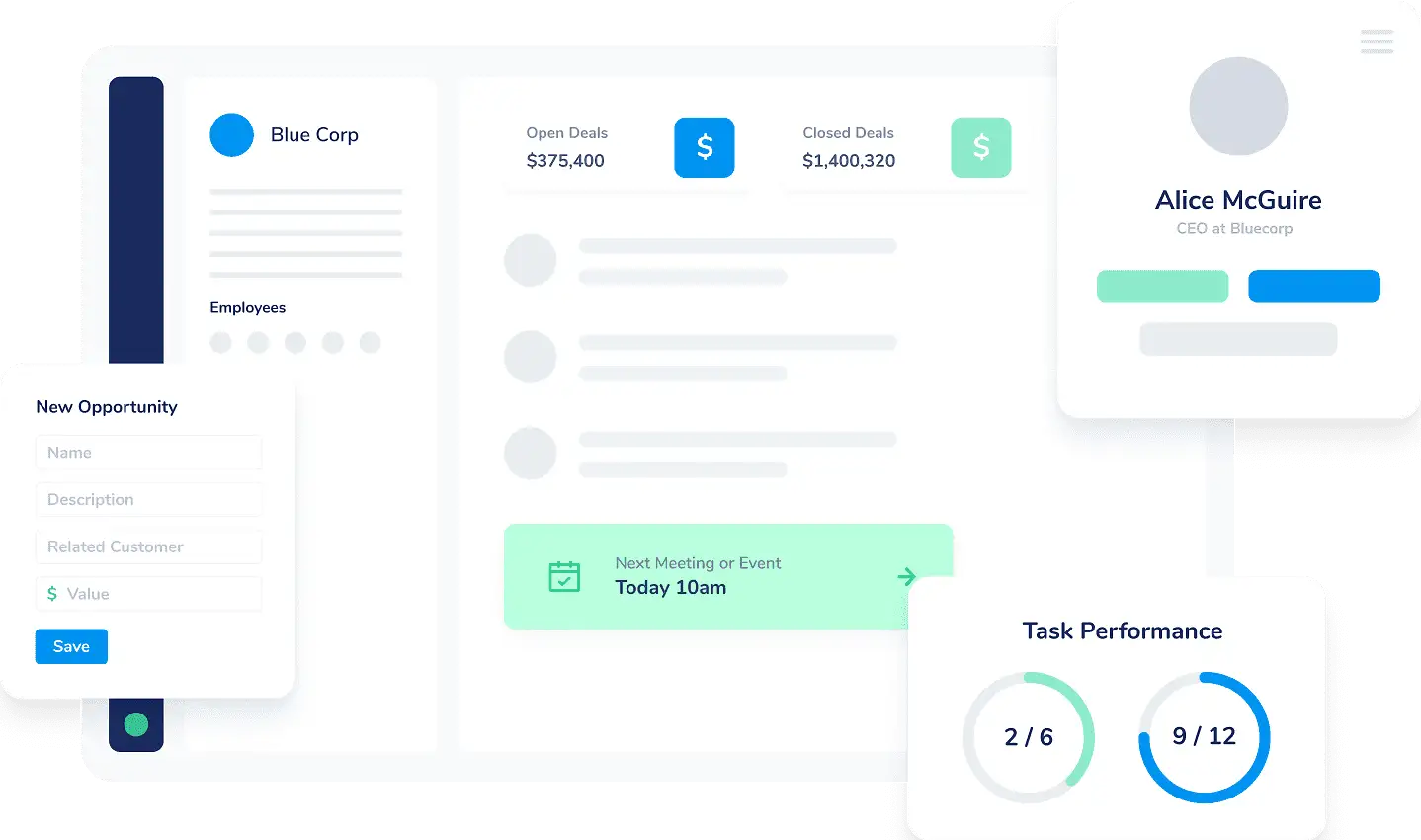
2. What Capsule CRM Actually Does
Capsule CRM is designed to be the central nervous system for your client relationships without requiring a PhD in software engineering.
It organizes your data into three core record types: Contacts (your rolodex, synced with your email so every conversation is automatically logged), Opportunities (a visual Kanban board where you drag and drop deals from "Prospect" to "Closed Won"), and Projects (post-sale workflow management to ensure you deliver exactly what you sold). It connects natively to your existing Google Workspace or Microsoft 365, meaning it works entirely in the background.
3. Core Features
4. The Data: Time to Adoption
The #1 reason CRMs fail is lack of team adoption. If the software is too hard to use, sales reps will revert to sticky notes and Excel. Capsule solves this through UX simplicity.
5. The Technical Setup (Zero-Friction Sync)
Capsule keeps its core CRM lightweight, acting as a clean hub that connects to the specific operational tools you already use.
Setting it up takes minutes. You authenticate your Google Workspace or Microsoft 365 account, and Capsule begins logging emails. For financial operations, you can easily connect Xero or QuickBooks to handle your invoicing, and use Zapier to connect practically everything else. It is the definition of a modular, "plug-and-play" stack.
6. Transpond: Advanced Marketing Automation
The Ultimate Email Engine
If you are a marketing automation agency, you might think you need a bloated external tool like Mailchimp or HubSpot to build complex "If this, then that" email drip sequences based on lead scores and website clicks. You don't.
Capsule solves this natively with their dedicated marketing platform add-on, Transpond. It allows you to run mass email campaigns, build dynamic automations, and track website visitor behavior—all directly synced with your live Capsule CRM data. No clunky Zapier workarounds required.
7. Practical Workflow & Timeline
Here is what migrating a small consulting firm onto Capsule looks like:
Step 1: The Import
Export your messy Excel sheet of contacts and upload the CSV into Capsule. It auto-maps the fields instantly.
Step 2: Email Authentication
Click "Sync" with Gmail or Outlook. Your team's communication history is immediately tied to your newly imported contacts.
Step 3: Milestone Creation
Customize your pipeline stages (e.g., Lead -> Discovery Call -> Proposal Sent -> Won) to match your exact sales process.
Step 4: Go Live
Invite your team. Because the interface is fundamentally focused on Contacts, Opportunities, and Projects, no 3-day training seminar is required.
8. Example Use Cases
9. The Real ROI (Cost vs. Adoption)
Hover over the metrics below to see the baseline financial and operational advantages of switching from an enterprise tool to Capsule.
The difference between paying $18/mo for Capsule vs. $90+/mo for HubSpot Sales Hub.
Because the UI is clean and fast, your reps will actually log their calls and update their deals.
10. Who Capsule CRM Is Best For
- Teams Under 50 People: If you run a small, tight-knit operation, Capsule provides exactly the right amount of structure without slowing you down.
- Marketing Automation Agencies: With the native Transpond add-on, you can build advanced drip sequences and track lead behavior seamlessly alongside your sales data.
- Bootstrappers: Founders who want to keep their software burn rate as close to zero as possible.
11. Who Should Avoid Capsule CRM
- Enterprise Corporations: If you have 5,000+ employees and need a dedicated software implementation consultant to build out complex, multi-department hierarchies, stick to Salesforce.
- Massive Call Centers: If you have 200 SDRs making 100 cold calls a day and need built-in auto-dialers and strict round-robin lead routing, you will outgrow Capsule quickly.
12. Pricing & Seat Limits
Capsule's pricing is straightforward and highly competitive. Unlike massive enterprise suites, they don't lock basic pipeline features behind a massive paywall.
Free Plan
- Up to 2 Users
- 250 Contacts limit
- Basic Sales Pipeline
- Great for solo freelancers
Starter Plan
- 50,000 Contacts limit
- 50 Multiple Sales Pipelines
- Deep Google/Microsoft Sync
- Access to Transpond add-on
13. Best Practices: "The Alpha Plan"
If you want to dominate the software affiliate space and capture high-intent buyers, you must execute the Alpha Plan for your Google Ads campaigns. Do not build leaky bridge pages.
14. How Capsule CRM Compares
| Feature | Capsule CRM | HubSpot (Sales Hub) | Mailchimp (CRM) |
|---|---|---|---|
| Complexity | Very Low (Minimalist) | High (Enterprise) | Low |
| Cost per User | ~$18 / mo (Starter) | ~$90+ / mo | Variable / List size |
| Marketing Automations | Yes (via Transpond) | Built-in (Very Expensive) | Yes |
| Setup Time | Hours | Weeks / Months | Days |
15. Limitations & Reality Check
- The Add-on Ecosystem: To get the absolute most out of Capsule's advanced marketing capabilities, you must activate the Transpond add-on. While they are deeply integrated, it is technically two connected platforms rather than a single codebase.
- Limited Custom Reporting: While it gives you a great overview of your pipeline and win rates, if you are a data-obsessed manager who needs to build complex, 30-variable pivot tables to analyze rep performance, the reporting might feel too basic.
16. PROS & CONS
- Incredibly easy to use; guarantees high team adoption rates.
- Costs a fraction of enterprise competitors like Salesforce.
- Flawless two-way email syncing with Google and Microsoft.
- Native Transpond integration completely replaces the need for Mailchimp.
- Too simplistic for massive, 5,000+ employee enterprise sales teams.
17. Frequently Asked Questions
1. Is Capsule CRM really free? +
Capsule offers a genuinely free tier for up to 2 users and 250 contacts. It's an excellent way for solo freelancers or brand new startups to organize their contacts before paying for a subscription.
2. Does it integrate with Gmail and Outlook? +
Yes. The integration is seamless. Once authenticated, Capsule will automatically log incoming and outgoing emails to the correct contact record in your CRM without you having to BCC a special address.
3. Can I send mass emails and automations from Capsule? +
Yes! Through their dedicated marketing add-on called Transpond, you can send bulk newsletters and build complex email drip sequences directly synced with your CRM data. Transpond also offers a free plan and paid tiers.
4. How does Capsule compare to HubSpot? +
HubSpot is a massive, all-in-one enterprise suite that is incredibly powerful but very expensive and complex to set up. Capsule is lightweight, fast, cheap, and focuses strictly on pipeline, projects, and contact management.
5. Does it have a mobile app? +
Yes, Capsule has a robust mobile app for iOS and Android. It's perfect for field sales reps who need to log a quick note or update a deal status immediately after leaving a client meeting.
6. Can I manage workflows after I close a sale? +
Absolutely. Once a deal is won, you can easily transition it from an Opportunity into a Project inside Capsule to track deliverables and client onboarding.
18. Final Verdict
The biggest mistake small business owners make is buying software designed for Fortune 500 companies. You don't need a CRM that requires a dedicated database administrator; you need a tool that tells you exactly who to call today and how much money is in your pipeline.
Capsule CRM achieves exactly that. By ruthlessly cutting out the bloat and providing native marketing power via Transpond, it guarantees that your team will actually use the software. If you want a fast, affordable, and beautiful system to manage your clients, Capsule is an absolute no-brainer.
Simplify Your Sales Pipeline Today →