

Deploying cloud infrastructure typically forces developers to choose between two extremes: paying high monthly premiums for standard instances at DigitalOcean and AWS, or gambling on ultra-cheap, unreliable "budget" hosts that frequently suffer from network outages and oversold hardware. For small-scale projects, testing environments, or self-hosted VPNs, the enterprise premium is often difficult to justify.
RackNerd operates in the budget VPS (Virtual Private Server) tier, gaining significant traction for offering annual KVM server plans that cost less than what major providers charge for a single month. However, deploying a $21/year server naturally invites skepticism regarding hardware stability and customer support. In this RackNerd infrastructure audit, we examine their provisioning speeds, network reliability across 20 global datacenters, and the realities of running unmanaged Linux servers.
- Cost-to-Performance Ratio: Offers some of the most aggressive pricing in the industry, with functional 1GB RAM KVM servers starting around $21.99 per year.
- Unmanaged Infrastructure: These are bare-metal Linux servers. There is no cPanel or WordPress pre-installed; you must know how to navigate the command line to configure your stack.
- Global Datacenter Reach: Unlike many budget hosts confined to a single facility, RackNerd offers deployments across 20 distinct locations in North America, Europe, and Asia.
- KVM Virtualization: Utilizes true KVM (Kernel-based Virtual Machine) architecture, ensuring your allocated RAM and storage are dedicated, not dynamically shared with noisy neighbors.
1. Quick Summary
2. The TL;DR Verdict
Functional Cloud Computing on a Budget
RackNerd provides an effective solution for developers and system administrators who require basic Linux environments without the premium markups of major cloud providers. While it lacks the advanced block storage and managed orchestration layers found in enterprise platforms, its consistent uptime and rapid support response times make it a highly practical choice for staging environments, Docker containers, and lightweight applications.
Deploy a RackNerd Server →
3. Pros & Cons
- Annual pricing structures are exceptionally low with no hidden renewal hikes.
- Customer support ticket response times consistently average under 15 minutes.
- Provides full root access and KVM virtualization for true resource isolation.
- Generous monthly bandwidth allowances (starting at 2TB+ on base plans).
- Strictly unmanaged; you are entirely responsible for server security and software updates.
- Does not offer automated snapshot backups by default (must be configured manually).
- Lacks advanced cloud features like native load balancers or scalable block storage.
4. How We Evaluated RackNerd
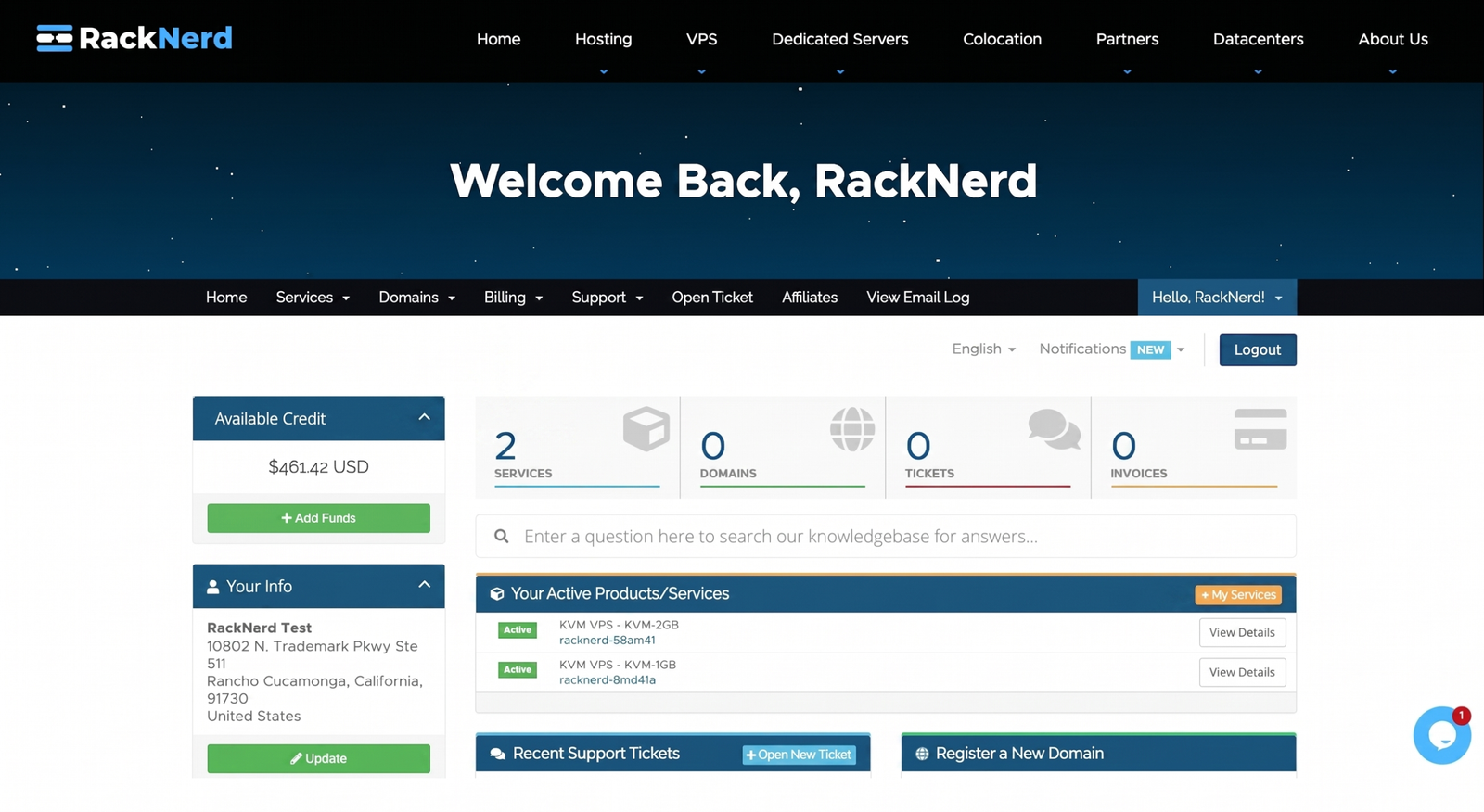
To ensure an objective operational audit, we deployed two RackNerd KVM instances (one in Los Angeles, one in Amsterdam) over a 30-day testing cycle. Our evaluation process included:
- Provisioning Speed: Measuring the exact time from payment completion to receiving the active SSH root credentials (average deployment was under 2 minutes).
- Network Benchmark: Running sysbench and iperf3 network tests to measure sustained disk IO performance and packet stability under load.
- Support Friction: Submitting routine support tickets during off-peak hours to verify the validity of their advertised response times.
- Cost Analysis: Comparing the annual Total Cost of Ownership (TCO) against baseline droplets from standard unmanaged cloud providers.
5. What RackNerd Actually Does
RackNerd is an Infrastructure-as-a-Service (IaaS) provider specializing in Virtual Private Servers, dedicated servers, and colocation.
When you purchase a plan, you are renting a partitioned slice of a physical server located in one of their datacenters. Because it is a KVM (Kernel-based Virtual Machine), your slice behaves exactly like an independent physical computer. You receive an IP address and a root password. From there, you connect via an SSH terminal and build your environment from the ground up—whether that means installing Nginx for a website, setting up a WireGuard VPN, or deploying Node.js applications.
6. Core Features Matrix
7. The Data: The Economics of Basic Cloud Infrastructure
For developers running multiple small projects, paying monthly rates at premium cloud hosts scales poorly. Here is a baseline look at the annual cost of a standard 1GB RAM / 1 vCPU Linux instance.
8. RackNerd vs DigitalOcean: Which is Better?
DigitalOcean is widely considered the industry standard for developer cloud infrastructure. While RackNerd competes on price, the operational environments cater to different engineering needs.
- Significantly lower baseline cost (roughly 70% cheaper annually).
- Generous bandwidth limits (3TB+ compared to DO's 1TB base).
- Pricing is locked in annually, avoiding surprise monthly invoices based on hourly usage.
- Superior cloud ecosystem (managed databases, object storage, load balancers).
- Hourly billing allows for rapid spin-up and teardown of test servers.
- Automated snapshot backups are seamlessly integrated into the UI.
9. RackNerd vs Hostinger: The Budget Battle
Hostinger is another major player targeting the budget server market. However, their approaches differ significantly. Hostinger focuses heavily on managed shared hosting and provides a highly custom control panel (hPanel). RackNerd is geared toward pure server deployment. Hostinger’s VPS plans often feature aggressive introductory pricing that increases upon renewal, whereas RackNerd’s promotional plans secure a flat annual rate indefinitely.
10. Workflow & Deployment Timeline
Here is what the execution pipeline looks like for deploying a new web asset on RackNerd:
Step 1: Configuration
Select a promotional VPS tier, choose a geographic datacenter location, and select your preferred OS (Ubuntu, Debian, AlmaLinux, etc.).
Step 2: Provisioning
After checkout, the system automatically builds the server partition. Within 5 minutes, an email is dispatched containing the IP address and root SSH credentials.
Step 3: Server Hardening
Log into the server via terminal. Update package repositories, configure a basic UFW firewall, and disable root password logins in favor of SSH keys.
Step 4: Application Deployment
Install your required software stack (e.g., LAMP stack, Docker engine) and route your domain's DNS records to the server's IP address.
11. Feature Focus: Global Datacenters
A common flaw with budget hosts is a lack of geographic diversity, forcing European or Asian users to host on high-latency US servers. RackNerd operates out of 20+ locations. By allowing developers to place a server in Amsterdam, Singapore, or Dallas, it enables localized deployment to reduce ping times and improve application responsiveness for specific regional user bases.
12. Feature Focus: Unmanaged Support Realities
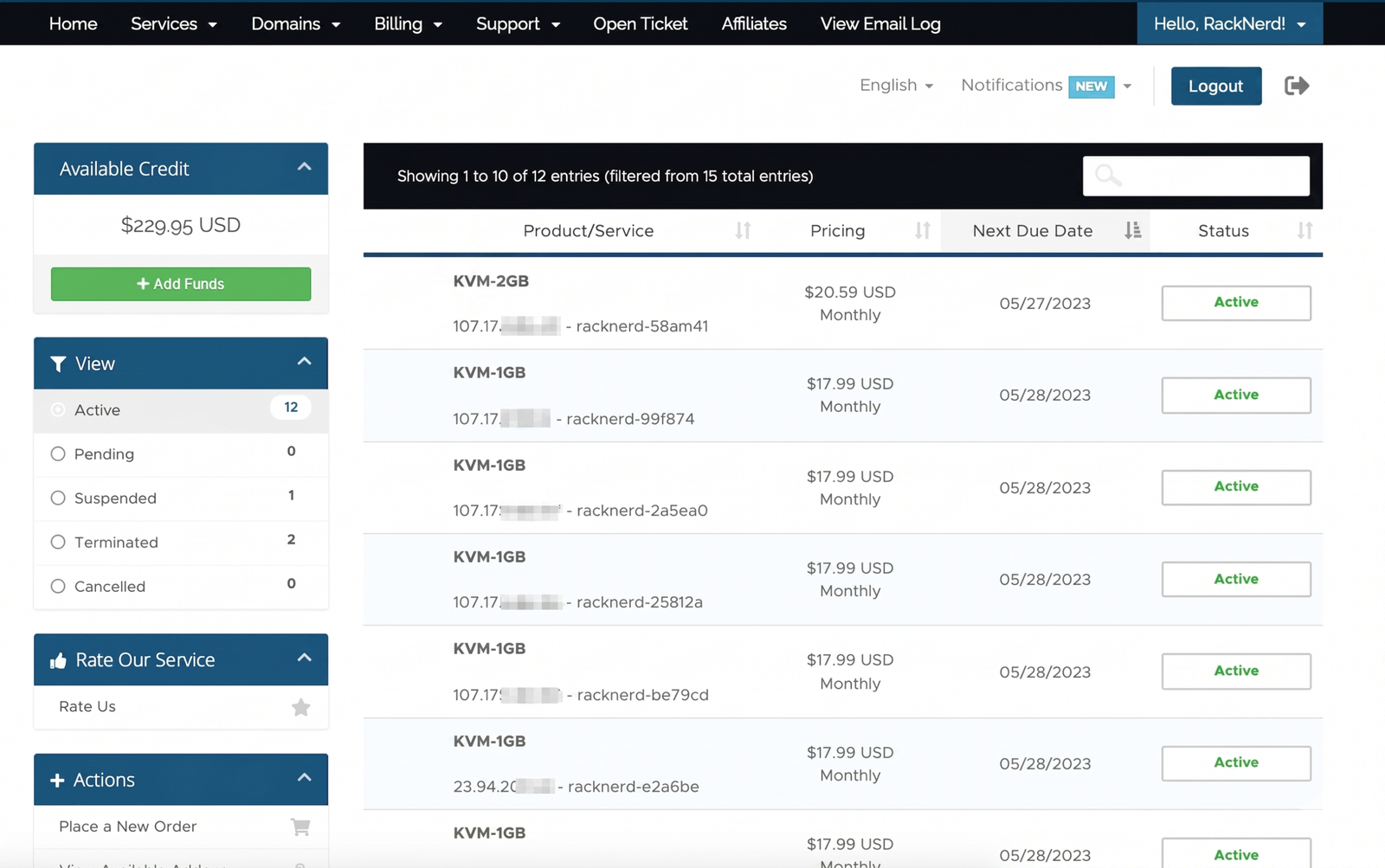
It is crucial to understand what "Unmanaged" means. RackNerd's support team is responsible for ensuring the physical hardware is running, the network is active, and the VPS container is accessible. If your WordPress site breaks, your database corrupts, or you misconfigure your firewall, their support team will not fix it for you. You must act as your own system administrator.
13. Example Use Cases
14. Operational Advantages
Unlike major clouds that bill hourly and can generate surprise invoices if traffic spikes, RackNerd's flat annual rate ensures budget certainty.
Despite the budget pricing, RackNerd maintains an industry-leading average ticket response time for hardware and network-level inquiries.
15. Who RackNerd Is Best For
- Linux System Administrators: Users comfortable navigating SSH environments and managing their own server security protocols.
- Budget-Conscious Developers: Students, hobbyists, or startups needing reliable cloud environments without the recurring monthly expense of AWS or Azure.
- Agencies Running Independent Containers: Operations looking to isolate specific client projects on cheap, dedicated instances rather than cramming them onto a single shared server.
16. Who Should Avoid RackNerd
- Non-Technical Users: If you expect a one-click WordPress installer with a graphical interface and customer support that fixes broken websites, an unmanaged VPS will be incredibly frustrating.
- Enterprise Architectures: Applications requiring high-availability features like native floating IPs, load balancers, and managed Kubernetes clusters should stick to established enterprise clouds.
17. Real User Sentiment
Across developer forums (like LowEndTalk) and review aggregates, RackNerd maintains a surprisingly strong reputation within the budget hosting niche:
- The Praise: The consensus highlights their transparency and support speed. In an industry where budget hosts frequently disappear overnight, RackNerd is praised for maintaining consistent uptime and honoring their locked-in promotional prices year after year.
- The Complaints: Occasional critiques point to varying hardware performance depending on the specific datacenter "node" a server is placed on, and the lack of automated, UI-driven snapshot backups for quick rollbacks.
18. Pricing Realities & Feature Tiers
To secure the best rates with RackNerd, users typically utilize their persistent promotional pages (often linked to major holidays or sales events).
1GB KVM VPS
- 1 vCPU Core
- 20 GB SSD Storage
- 1 GB Dedicated RAM
- 3 TB Monthly Transfer
2GB KVM VPS
- 2 vCPU Cores
- 35 GB SSD Storage
- 2 GB Dedicated RAM
- 5 TB Monthly Transfer
19. The Hidden Costs & Limitations
The prices advertised are accurate, but the limitation lies in the feature set. If you mess up a configuration, you cannot simply click a "restore backup" button unless you have manually configured off-site backups via rsync or third-party tools. Furthermore, if you require a control panel like cPanel or DirectAdmin to manage websites, you will have to purchase that license separately, which often costs more per month than the server itself. Free alternatives like CyberPanel or CloudPanel are recommended to keep costs low.
20. Best Practices: Server Isolation
When utilizing budget infrastructure, deploying an isolation strategy is highly recommended.
21. Security & Compliance
RackNerd provisions servers with a default operating system installation. Out of the box, the server is relatively secure, but it is a blank slate. The user is entirely responsible for implementing security protocols. This includes changing default SSH ports, setting up key-based authentication, configuring Fail2Ban to prevent brute-force attacks, and ensuring software packages are patched regularly.
22. Is RackNerd Worth It in 2026?
For technical users, RackNerd offers exceptional value. In an era where cloud hosting costs continue to rise, securing a stable Linux environment for the equivalent of $2 a month is rare. It will not replace AWS for complex, auto-scaling enterprise applications, but as a dependable foundation for personal projects, testing environments, and straightforward web hosting, it provides a highly capable unmanaged infrastructure.
23. Frequently Asked Questions
Is RackNerd a managed or unmanaged host?
RackNerd primarily provides unmanaged VPS hosting. This means they are responsible for the physical hardware and network uptime, but you are responsible for installing software, configuring the server, and managing security.
Do they use OpenVZ or KVM virtualization?
RackNerd utilizes KVM (Kernel-based Virtual Machine) architecture. This is superior to OpenVZ because it ensures your allocated RAM and storage are dedicated to your instance and cannot be easily oversold.
Can I install Windows on a RackNerd VPS?
By default, the budget KVM plans are designed for Linux distributions (Ubuntu, CentOS, Debian). Installing Windows usually requires custom ISO mounting and ensuring the server meets minimum resource requirements, which is better suited for their specific Windows VPS tiers.
Are the promotional prices permanent?
Yes. When you purchase a promotional plan (like their Black Friday or New Year deals), that specific rate is locked in for the lifetime of the service, provided you do not let the account expire.
Does RackNerd include automated backups?
No. Unmanaged servers do not include automated daily backups. You must set up your own backup routines to offsite storage or purchase additional backup services if they are offered in your specific datacenter.
How fast is their customer support?
RackNerd is well-known in the industry for rapid response times, frequently answering support tickets within 10 to 15 minutes. However, support is limited to network and hardware issues, not application configuration.
Can I upgrade my VPS later?
Yes. If you outgrow your initial plan, you can open a support ticket to upgrade your VPS to a higher tier with more RAM and CPU cores without losing your existing data.
Do I get a dedicated IP address?
Yes. Every KVM VPS plan comes with one dedicated IPv4 address. Additional IPs can usually be requested for a monthly fee, subject to justification policies.
24. Final Conclusion
Navigating the budget hosting market requires careful evaluation, as low prices often correlate with severe network instability. However, some providers manage to optimize hardware allocation efficiently enough to offer reliable performance at minimal costs.
RackNerd proves to be a technically sound option for unmanaged cloud infrastructure. By providing true KVM virtualization, diverse global datacenter options, and rapid support responses, it delivers a consistent server environment. For developers capable of managing their own Linux instances, it stands out as an economically prudent choice for deploying agile web applications and network tools.
Deploy Your Cloud Server Today →