
We all have "Google Fatigue." You search for a recipe, and you have to scroll past 4 ads and a 2,000-word life story just to find the ingredients.
Perplexity AI wants to end this. It is an "Answer Engine," not a search engine. It reads the top 10 results and summarizes the answer for you with citations. But is it accurate enough to replace Google entirely? In this Perplexity AI review, we put its accuracy and its new "Deep Research" mode to the test.
Quick Summary
RIP Google Search?
Perplexity is not just a chatbot; it is a research assistant. The ability to switch between models (Claude 4.5, GPT-5.2) while maintaining live web access makes it infinitely more useful than standard ChatGPT. For complex questions, it saves hours of tab-switching.
Try Perplexity Free →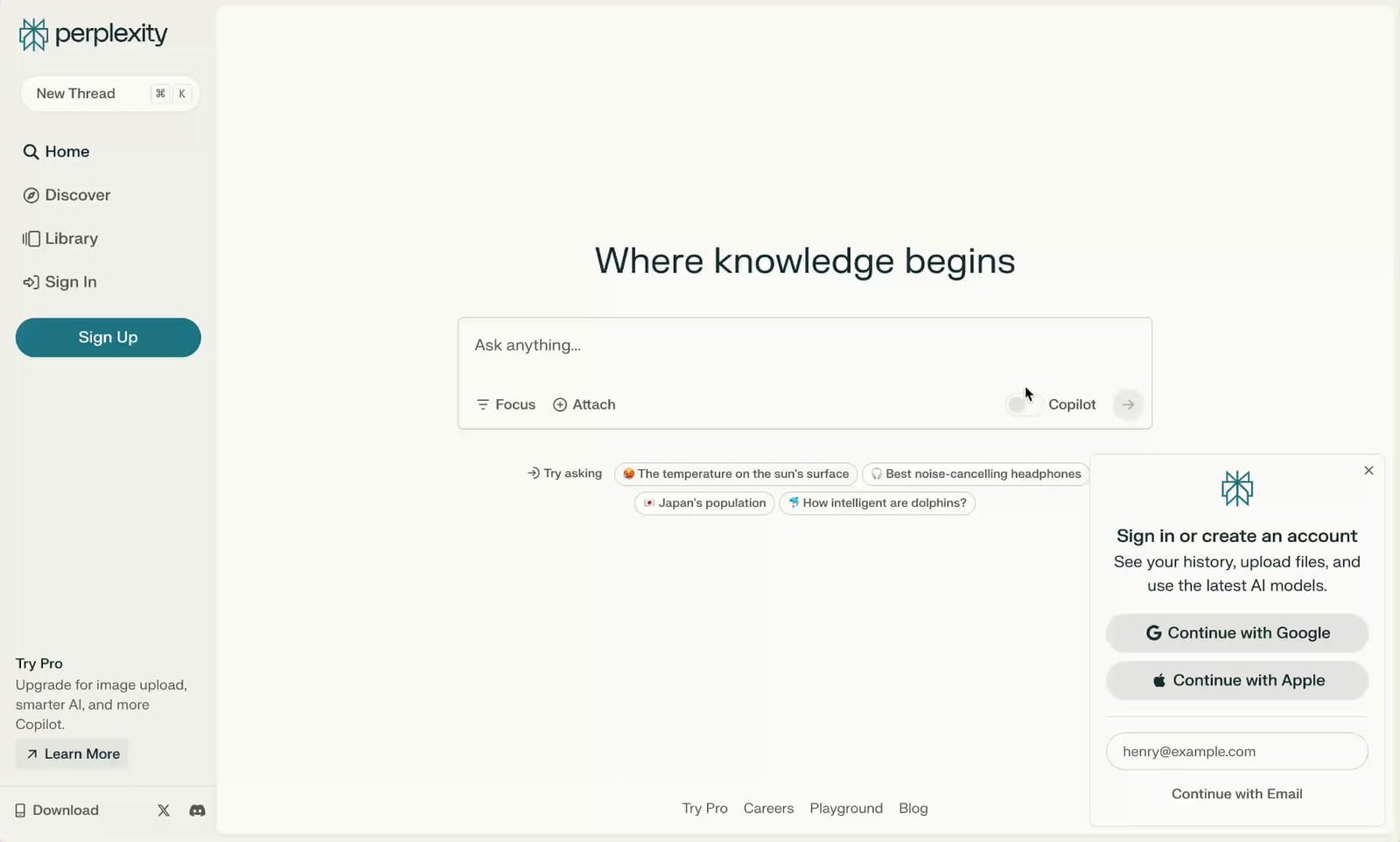
What Perplexity Actually Does
Perplexity combines a Large Language Model (like GPT-4) with a real-time search index.
When you ask a question, it: 1. Understands your intent. 2. Searches the web for relevant sources. 3. Reads those sources. 4. Writes a concise summary with numbered citations.
Core Features
How to Use Perplexity — Workflow
As a Growth Engineer, I use Perplexity every day to research software pricing for TrakSource.
- The Query: Instead of searching "Flowlu pricing" on Google and clicking 3 links, I ask Perplexity: "What is the pricing for Flowlu for a team of 8 users?"
- The Result: Perplexity scans the pricing page and calculates: "Flowlu's Team plan is $29/mo and includes 8 users."
- Verification: I click the citation number [1] to verify the source instantly.
- The "Page": I then click "Convert to Page" to turn that research into a shareable brief for my team.
Example Use Cases
Who Perplexity Is Best For
- Students & Researchers: The citation feature is a lifesaver for finding sources.
- Content Creators: Quickly finding stats and facts without wading through SEO spam.
- Developers: It is surprisingly good at finding updated API documentation that hasn't made it into ChatGPT's training data yet.
Who Should Avoid Perplexity
- Local Searchers: Google Maps is still far better for "restaurants near me" or "plumbers in Hyderabad."
- Creative Writers: Perplexity is factual and dry. For creative writing, use Claude or ChatGPT.
Pricing & Plans
- Unlimited Quick Searches
- Access to Standard Model
- 5 Pro Searches per day
- 300+ Pro Searches per day
- Access to GPT-5.2, Claude 4.5, Gemini 3
- Unlimited File Uploads
- $5/mo Credit for API usage
How Perplexity Compares
| Feature | Perplexity Pro | Google Search | ChatGPT Plus |
|---|---|---|---|
| Search Quality | Excellent (Summarized) | Cluttered (Ads) | Good (Browse) |
| Citations | Inline Numbers | Links Only | Sometimes |
| Model Choice | Yes (GPT/Claude/Sonar) | No (Gemini AI Overviews) | No (GPT Only) |
Limitations & Reality Check
- Hallucinations: Like all AI, it can lie. I once asked for a "list of fake companies," and it made up convincing details. Always verify the citation.
- Shopping Data: While it is getting better with a "Shopping Hub", it sometimes pulls outdated prices for products.
Best Practices: "Pro Search"
Use the "Pro" toggle for anything complex. Standard search is fast but shallow. "Pro Search" (formerly Copilot) will ask you clarifying questions (e.g., "Are you looking for 2025 or 2026 pricing?") before searching, ensuring higher accuracy.
Pros & Cons
- Citations make it trustworthy for research.
- Access to 4+ top-tier models in one subscription ($20/mo).
- "Pages" feature turns research into articles instantly.
- Clean, ad-free interface.
- Not great for local search (Maps/Nav).
- "Max" plan is very expensive ($200/mo) for power users.
- Can struggle with very recent breaking news (minutes old).
Frequently Asked Questions
Is Perplexity AI free?
Yes, the standard version is free forever and allows unlimited quick searches. You receive 5 "Pro" searches per day on the free plan.
Does it use GPT-4 or Claude?
Both. Perplexity Pro allows you to choose your underlying model in the settings. You can switch between GPT-5.2, Claude Sonnet 4.5, and their own "Sonar" model.
What is Perplexity Pages?
Pages is a feature that takes a search thread and converts it into a formatted, visual article that you can publish and share with others.
Can it analyze files?
Yes. You can upload PDFs, CSVs, or images. Perplexity will read the file content and answer questions based on that data.
Is it safe for students?
It is excellent for finding sources, but students should check their school's policy on AI. Unlike ChatGPT, Perplexity provides direct links to sources, making fact-checking easier.
Final Verdict
If you research anything for a living (writer, developer, student), Perplexity Pro is the best $20 you can spend.
It replaces a Google search, a ChatGPT subscription, and a news aggregator all in one. The ability to use Claude 4.5 and GPT-5.2 in the same interface is unmatched value.
Start Searching with AI →