Every company wants an "AI Assistant" that actually knows their business. They want a chatbot that can read their internal PDFs, quote their specific pricing, and follow their standard operating procedures.
Until recently, building this required hiring a developer to patch together LangChain, a vector database, and the OpenAI API. It cost thousands of dollars. MindStudio completely changes the math. It is a visual, no-code builder that lets you create bespoke AI applications and deploy them instantly. In this MindStudio review, we built a custom B2B application to see if the "no-code" promise holds up for complex use cases.
Quick Summary
Deploy Custom AI in Minutes
MindStudio removes the massive technical barrier of building RAG (Retrieval-Augmented Generation) applications. The ability to upload your company's private data, wrap it in a strict system prompt, and embed it onto a website as a functional app—without writing a single line of Python—is an absolute game-changer for business operations.
Start Building Your AI Agent Free →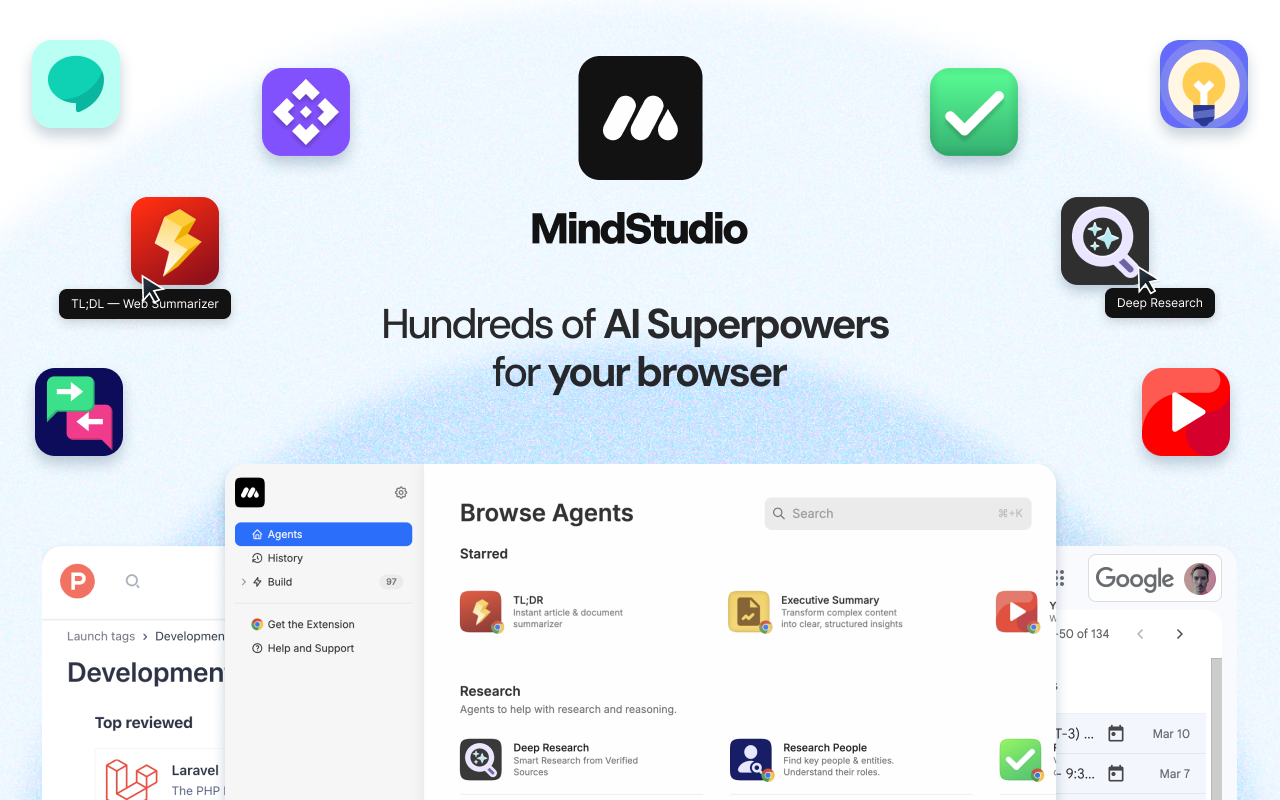
What MindStudio Actually Does
ChatGPT is a blank canvas. It doesn't know your business. MindStudio allows you to build "Specialized" AIs.
You create a Workspace, upload your data sources (PDFs, CSVs, text files), and configure a workflow. You decide exactly how the AI should behave. You can even chain different LLMs together—for example, using Claude 3.5 to draft an article, and GPT-4o to critique and edit it. Once finished, you hit "Publish," and MindStudio generates a shareable web link or embed code for your new app.
Core Features
How to Use MindStudio — Workflow
We tested MindStudio by building an "Employee Onboarding Assistant."
- The Brain: We uploaded our 50-page Employee Handbook (PDF) into the "Data Sources" tab.
- The Rules: We wrote a system prompt: "You are an HR Assistant. Only answer questions using the uploaded handbook. If the answer is not in the handbook, say 'Please contact HR'."
- The Model: We selected Claude 3.5 Sonnet because it excels at parsing dense text documents.
- The Deployment: We published the app and embedded the iframe into our company's internal Notion page. Total time: 14 minutes. No coding required.
Example Use Cases
Who MindStudio Is Best For
- Operations Managers: If you want to automate repetitive internal tasks but don't have engineering resources.
- Prompt Engineers: Turn your clever prompt structures into actual, usable software applications.
- Data-Heavy Companies: Law firms or medical offices that need AI to quickly search through thousands of internal precedents securely.
Who Should Avoid MindStudio
- Basic ChatGPT Users: If you just want to ask an AI to "write a tweet," you don't need a dedicated app builder. Just use the ChatGPT interface.
- Enterprise DevOps: Highly regulated companies that require strictly on-premise, air-gapped LLM deployments will need custom architecture, not a cloud builder.
Pricing & Workspace Limits
MindStudio is brilliant because it is free to build. You only pay when you want to deploy the app to users or remove branding.
| Plan | Price (Monthly) | Key Allowances |
|---|---|---|
| Free | $0 | Unlimited building, test your apps, community support. |
| Pro | ~$49 /mo | Publish apps, embed anywhere, connect your own API keys. |
| Team / Agency | ~$99+ /mo | White-labeling, premium analytics, team collaboration. |
How MindStudio Compares
| Feature | MindStudio | Bubble.io (+ API) | Custom Python |
|---|---|---|---|
| Setup Speed | Minutes | Weeks | Months |
| Technical Skill | None (Visual) | Medium (Logic) | High (Dev) |
| LLM Flexibility | Switch Instantly | Requires API Config | Hardcoded |
| UI Customization | Basic Templates | Pixel Perfect | Unlimited |
Limitations & Reality Check
- UI Rigidity: MindStudio generates clean, functional interfaces for your apps (chat boxes, forms). However, you cannot build a complex, multi-page visual SaaS product (like Canva) with it. It is an AI logic layer, not a frontend design tool.
- The RAG Reality: While uploading documents is easy, AI can still hallucinate if your source PDFs are poorly formatted or contradictory. Your AI app is only as good as the cleanliness of the data you feed it.
Best Practices: "Prompt Chaining"
Don't ask the AI to do everything in one step.
Step 1: AI generates 5 titles.
Step 2: User selects a title.
Step 3: AI creates an outline.
Step 4: AI writes the post.
This workflow guarantees significantly higher quality output than a single zero-shot prompt.
Pros & Cons
- Democratizes AI development—no coding required.
- Ability to seamlessly switch between Claude, GPT-4, and Gemini.
- Built-in RAG saves thousands on database engineering.
- Free tier is fully functional for building and testing ideas.
- Frontend UI customization is currently limited.
- Deep integrations with obscure CRMs may still require Zapier/Make.
- Managing massive document libraries requires careful chunking strategies.
Frequently Asked Questions
Do I need to know how to code?
No. MindStudio is designed entirely for non-technical users. If you can write a prompt and drag-and-drop a workflow block, you can build an app.
Is my private data secure?
Yes, MindStudio states that your proprietary data (uploaded to Data Sources) is encrypted and is NOT used to train the base foundation models of OpenAI or Anthropic.
Can I sell the apps I build?
Absolutely. Many agencies use MindStudio on the backend to power custom AI solutions that they sell to their clients on a monthly retainer.
Can it browse the live internet?
Yes, depending on the model you select and the tool configurations you enable, your AI agent can fetch live information from the web.
Final Verdict
The "AI Wrapper" era of simply putting a skin over ChatGPT is dead. Businesses now require custom AI agents grounded in their own private data.
MindStudio is the fastest, most cost-effective way to build those agents. It eliminates the need for expensive Python developers and allows ops managers to solve their own bottlenecks in an afternoon. If you want to turn your prompts into actual, deployable software, MindStudio is the tool to use.
Build Your First AI App for Free →