
If your business relies on free email providers like Gmail or Outlook, your data is not private. Big tech platforms actively scan your inbox, reading your attachments, client contracts, and operational emails to train large language models and feed their advertising algorithms. For agencies, law firms, and tech founders handling proprietary IP, this is a massive security liability.
Proton Mail was engineered in Switzerland by CERN scientists to eradicate this vulnerability. It is an encrypted email service that uses strict zero-knowledge architecture, meaning even the company itself cannot read your messages. But does military-grade privacy create too much friction for daily business use? In this Proton Mail review, we tear apart their secure ecosystem to find out.
1. Quick Summary
The Digital Swiss Bank Account
Proton Mail removes "trust" from the equation. Because your data is encrypted locally on your device before it ever reaches their servers, no hacker, rogue employee, or government subpoena can force Proton to hand over your readable emails. It is mathematical certainty over corporate promises.
Secure Your Business Inbox Today →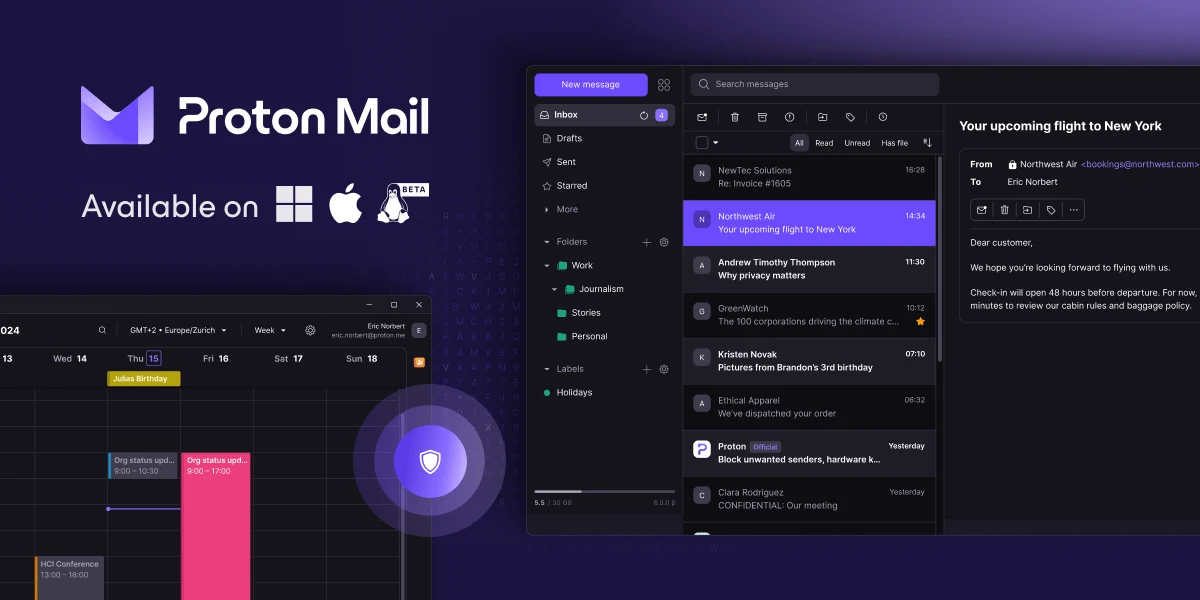
2. What Proton Mail Actually Does
Proton Mail looks and operates much like a standard webmail client, but the underlying infrastructure is fundamentally different from Google Workspace.
When you send an email from Proton to another Proton user, it is End-to-End Encrypted (E2EE) automatically. When you email a non-Proton user (like a Gmail account), it sends as a standard, secure TLS email. However, Proton includes a "Password Protected Email" feature. You can send a highly sensitive contract to a Gmail user, and instead of receiving the plaintext email, they receive a secure link. They must enter a password you provided them to decrypt and view the message on Proton's servers.
3. Core Features
4. The Data: Eliminating Friction
Historically, achieving true E2E encryption required manually managing complex PGP keys. Proton automates this entire cryptographic process in the background.
5. The Technical Setup (DNS & Bridge)
Setting up a custom domain (e.g., `[email protected]`) on Proton Mail requires standard DNS configurations (MX, TXT, SPF, DKIM, and DMARC). Proton provides an excellent, step-by-step wizard to verify your domain health.
The unique technical requirement involves desktop email clients. Because Apple Mail and Microsoft Outlook cannot natively read zero-knowledge encrypted files, you must install an application called Proton Mail Bridge. This app runs silently in the background of your computer, decrypting the emails locally so your preferred email client can display them.
6. Practical Workflow & Migration
Migrating away from Google Workspace is seamless with Proton's native tools:
Step 1: The Easy Switch Import
Use Proton's native migration tool to authenticate your Gmail or Outlook account. It safely pulls all historical emails, folders, and contacts into your new encrypted vault.
Step 2: DNS Routing
Update your domain registrar (like GoDaddy or Namecheap) with Proton's MX records to officially route new inbound mail to Swiss servers.
Step 3: Desktop Bridge Setup
If you refuse to use the web browser, install Proton Bridge, link it to Apple Mail, and let the local decryption index run in the background.
Step 4: Secure Operations
Begin sending external contracts using the "Password Protected" feature to guarantee compliance when dealing with non-Proton users.
7. Example Use Cases
8. The Real ROI (Compliance vs. Risk)
Hover over the metrics below to see the baseline operational advantages of utilizing a strict privacy platform.
Because Proton holds zero decryption keys, a server-side breach yields nothing but scrambled, useless data to hackers.
Telling an enterprise client that you use Swiss-based E2EE email instead of standard webmail instantly builds elite trust.
9. Who Proton Mail Is Best For
- High-Risk Industries: If compliance is your business (Medical, Legal, Finance), the mathematical certainty of Proton's security architecture is non-negotiable.
- SaaS Founders: Bundling an elite VPN, secure cloud storage, and a password manager into your email subscription saves money while drastically hardening your company's security posture.
- Privacy Advocates: Anyone who recognizes that free email providers are simply data-mining operations.
10. Who Should Avoid Proton Mail
- Heavy Search Users: Because your emails are encrypted, Proton's servers cannot perform a rapid keyword search. The web app has to download a local index to your browser to search your inbox, which can be sluggish if you have 50,000+ emails.
- Third-Party CRM Integrators: If your sales team relies on complex, bi-directional syncing with CRMs like HubSpot or Salesforce, the strict E2EE protocols create massive friction for API integrations.
11. Pricing & Feature Tiers
Proton Mail offers a fantastic free tier to test the ecosystem, but running a custom business domain requires a paid upgrade.
Mail Plus
- 15 GB Total Storage
- 1 Custom Domain
- Up to 15 email aliases
- Access to Proton Calendar
Proton Unlimited
- 500 GB Total Storage
- Up to 3 Custom Domains
- Includes Proton VPN (High Speed)
- Includes Proton Pass & Drive
12. Best Practices: "The Alpha Plan"
If you want to drastically improve your company's security posture while maintaining operational agility, you must execute the Alpha Plan for communication routing.
The professional standard is to decouple your daily communications from your infrastructure. Register a secondary, hidden domain (e.g., `company-vault.net`) and host it strictly on Proton Mail. Use this encrypted Proton inbox exclusively as your Operations Vault. Register your critical SaaS apps and financial accounts using aliases attached to this vault. By isolating your infrastructure credentials inside a zero-knowledge Swiss environment, you mathematically shield your business from standard phishing attacks directed at your daily, public-facing inbox.
13. How Proton Mail Compares
| Feature | Proton Mail | Fastmail | Google Workspace |
|---|---|---|---|
| Encryption | Zero-Knowledge (E2EE) | Server-Side (TLS) | Server-Side (Scanned) |
| Jurisdiction | Switzerland | Australia (Five Eyes) | United States |
| Search Speed | Moderate (Local Index) | Lightning Fast | Lightning Fast |
| 3rd Party Apps | Requires Proton Bridge | Native IMAP/SMTP | Native Support |
14. Limitations & Reality Check
- The Lost Password Catastrophe: Because of the mathematical nature of Zero-Knowledge architecture, there is no backdoor. If you lose your password and lose your recovery phrase, Proton Support cannot help you. Your inbox is permanently locked and the data is gone forever.
- Proton Bridge Frustrations: If you absolutely refuse to use the web browser and demand to use Apple Mail, you have to run the Proton Bridge background app. While it works well 90% of the time, it can occasionally hang on large inbox syncs, requiring a software restart.
15. PROS & CONS
- Mathematical, Zero-Knowledge encryption protects all client data.
- Strict Swiss privacy laws prevent unwarranted government access.
- Secure, password-protected links allow safe sending to Gmail users.
- Paid tiers bundle an elite VPN, secure storage, and a password manager.
- Inbox search is sluggish compared to non-encrypted providers.
- Requires a background app (Bridge) to use standard desktop email clients.
- Losing your master password means permanent, unrecoverable data loss.
16. Frequently Asked Questions
1. Will Proton Mail scan my emails for targeted ads?
No. Proton Mail is strictly ad-free. Their business model relies on premium subscriptions, not monetizing your inbox data. Because of zero-knowledge encryption, they physically cannot read your emails to serve ads anyway.
2. How does Proton Mail handle emails sent to Gmail users?
If you email a Gmail user from Proton, it sends as a standard TLS-encrypted email (which Google can read). However, you can use the "Password Protected Email" feature, sending the Gmail user a secure link where they enter a password to view the message on Proton's servers safely.
3. Can I use Apple Mail or Microsoft Outlook?
Yes, but it requires an extra step. Because traditional clients cannot natively decrypt Proton's E2EE files, you must install the "Proton Mail Bridge" desktop application, which runs in the background and decrypts the mail locally for your client.
4. What happens if I forget my Proton password?
Because Proton uses Zero-Knowledge encryption, they do not hold your keys and cannot recover your password. If you lose your password and your recovery phrase, your inbox is mathematically locked forever, and your data is permanently lost.
5. Do they offer mobile apps?
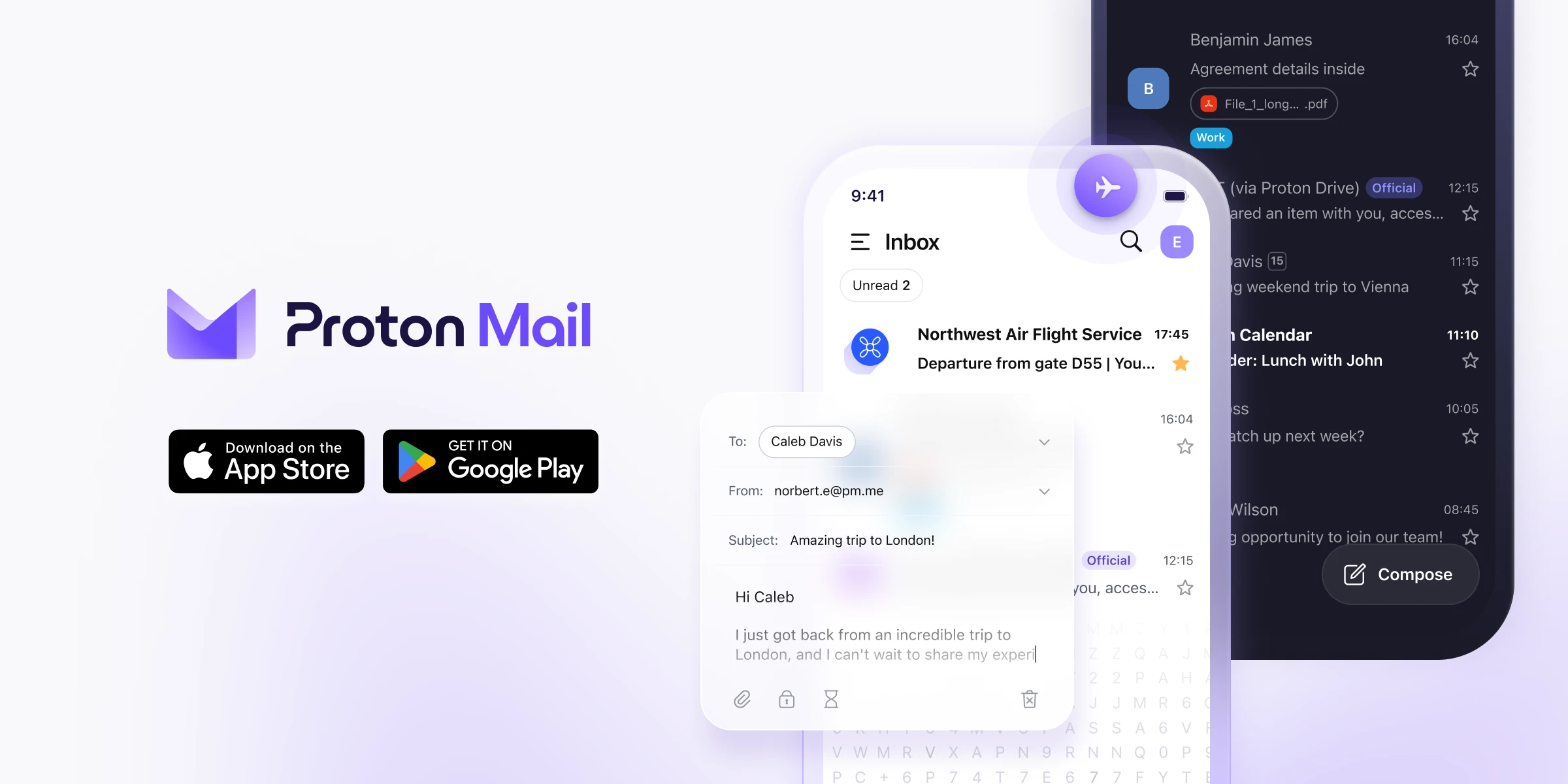
Yes. Proton offers excellent, dedicated iOS and Android applications. The mobile app automatically handles decryption, meaning you can check your secure email on the go without any complex setups.
6. Can I migrate my existing Gmail inbox?
Absolutely. Proton Mail offers an Easy Switch migration tool that will authenticate with Google and automatically pull all of your historical emails, folders, and contacts into your new secure inbox.
7. Is Proton Mail HIPAA compliant?
Yes. The platform's end-to-end encryption satisfies the technical safeguards required by HIPAA. Business tier users can also request a signed Business Associate Agreement (BAA) from Proton to ensure legal compliance.
8. Is there a free version of Proton Mail?
Yes. Proton offers a generous free tier with up to 1 GB of storage and 150 messages per day. It is an excellent way to test the ecosystem, but connecting a custom business domain requires a paid upgrade.
17. Final Verdict
In an era where massive tech companies scan every piece of digital communication to train AI algorithms, treating your client's proprietary emails with absolute secrecy is no longer optional. It is a mandatory business practice.
Proton Mail is the undisputed leader in usable security. It takes the highly complex, mathematically bulletproof concept of Zero-Knowledge encryption and wraps it in a clean, modern interface that anyone can understand. By bundling an elite VPN and password manager into the platform, it is the ultimate all-in-one fortress for your digital operations.
Secure Your Inbox Today →