
If your business relies on Google Workspace or Microsoft 365, your data is not private. Big tech providers actively scan your inbox to feed their advertising algorithms and train large language models. For agencies handling proprietary client IP or tech founders protecting source code, relying on "free" email is a massive security liability. You need an independent provider.
1 The TL;DR Verdict
The independent email market is split into two distinct factions. Fastmail is the "Productivity Engine"—a beautifully optimized, lightning-fast platform designed to handle massive email volume, aliases, and custom domains without the bloat of Google. Proton Mail is the "Encrypted Vault"—a Swiss-based fortress utilizing strict end-to-end encryption where even the company itself cannot read your messages. Which one should run your business?
2 At a Glance: Feature Showdown
| Core Capability | Fastmail | Proton Mail |
|---|---|---|
| Primary Focus | Workflow Speed & Alias Management | End-to-End Encryption (E2EE) |
| Encryption Type | Server-Side (Standard TLS) | Zero-Knowledge (PGP) |
| Jurisdiction | Australia / US Servers | Switzerland (Strict Privacy Laws) |
| Email Aliases | Unlimited / Highly Flexible | Limited (Based on pricing tier) |
3 Meet Contender A: Fastmail
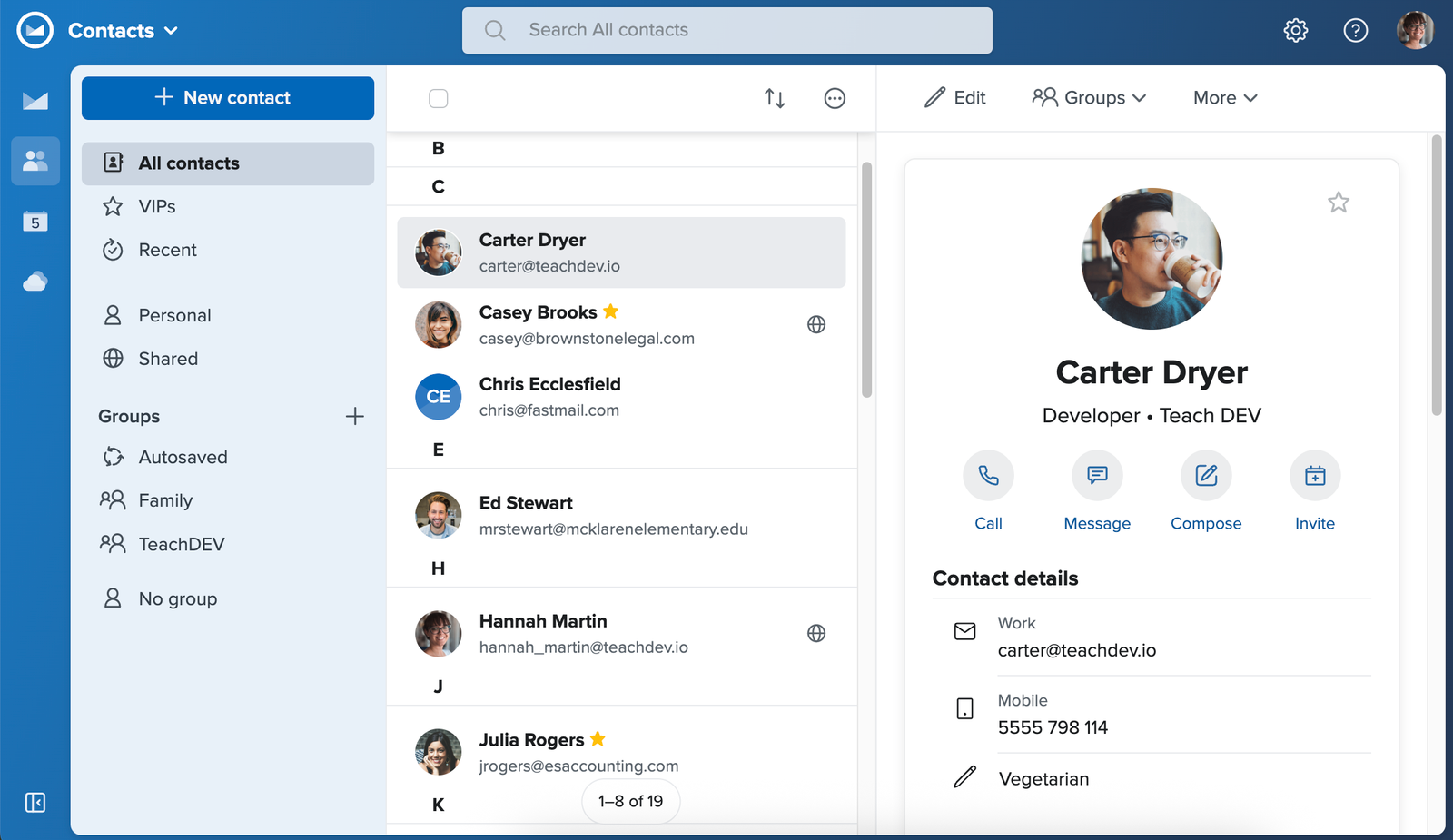
Fastmail is exactly what it sounds like: unapologetically fast. It is an independent, ad-free email provider that focuses on making your daily workflow as efficient as possible.
It doesn't use end-to-end encryption. Instead, it uses standard server-side encryption. The trade-off is massive: because the server can read your emails, the search function is instantaneous, IMAP/SMTP integration with third-party apps is flawless, and the entire web interface loads faster than a standard Gmail tab.
4 Meet Contender B: Proton Mail
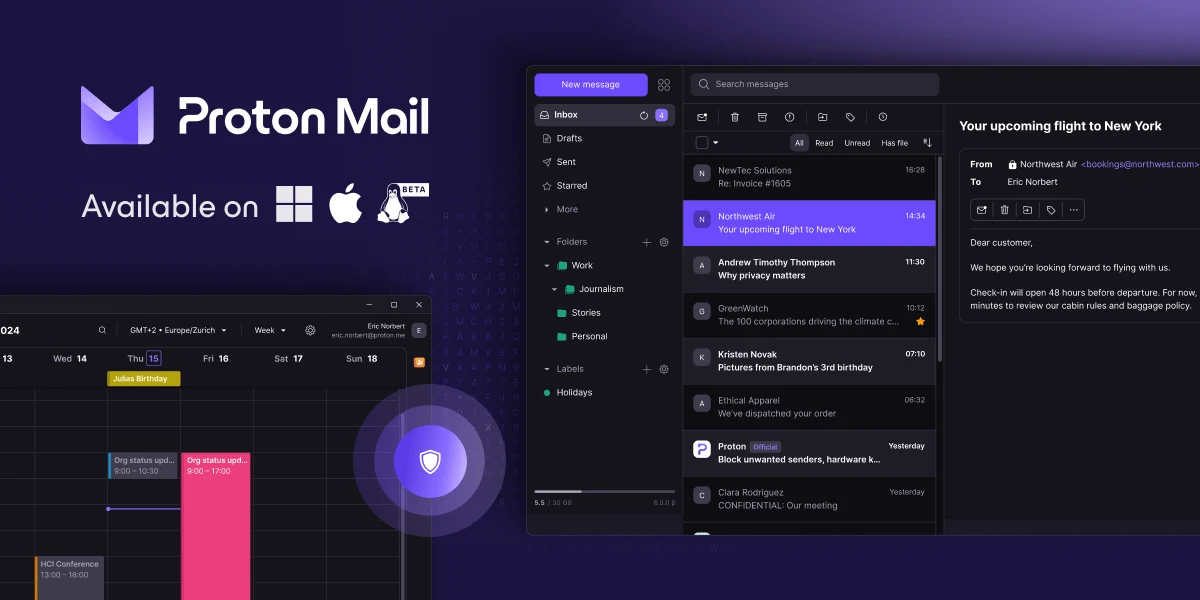
Proton Mail is the gold standard for paranoid security. Built by scientists who met at CERN, it operates out of Switzerland, protected by some of the strongest privacy laws in the world.
It uses strict Zero-Knowledge Encryption. Your emails are encrypted on your local device before they ever hit Proton's servers. If Proton gets hacked, or if they receive a government subpoena, they physically cannot hand over your readable emails because they do not hold the decryption keys.
5 Round 1: Privacy vs. Encryption
Fastmail does not sell your data, and they do not scan it for ads. However, they do hold the encryption keys. This means in the event of a valid legal warrant, they *can* access your plaintext emails.
Proton removes trust from the equation. Because of the Zero-Knowledge architecture, you do not have to "trust" Proton not to read your emails; the math makes it physically impossible for them to do so.
Round 1 Winner: Proton Mail
If absolute data secrecy is your top priority, Proton's zero-knowledge architecture is unbeatable.
6 Round 2: Search Speed & UX Friction
Encryption creates friction. Because Proton Mail cannot read your emails on their servers, you cannot simply type a keyword and have the server instantly return results. Proton must download a local index to your browser to perform searches, which can feel sluggish if you have an inbox with 50,000 emails.
Fastmail operates without this constraint. Its search function is arguably the best in the industry, executing complex boolean searches across massive databases instantly. The entire UI is built for keyboard shortcuts and rapid triaging.
Round 2 Winner: Fastmail
For sheer productivity and workflow speed, Fastmail destroys the competition.
7 Round 3: Aliases & Domain Management
Managing multiple businesses or SaaS accounts requires flexibility. Fastmail allows you to set up "Catch-all" domains effortlessly and generate up to 600 custom aliases (e.g., `[email protected]`, `[email protected]`) all funneling into a single, highly organized inbox.
Proton Mail restricts aliases heavily based on your pricing tier. To get more than 15 custom email addresses, you have to upgrade to their highest-paid plans. While they did integrate SimpleLogin to help with alias creation, the native domain management feels much more restrictive than Fastmail.
Round 3 Winner: Fastmail
The unrestricted alias and custom domain handling is a dream for SaaS founders.
8 Round 4: Ecosystem & Tools
Fastmail includes a very clean, functional Calendar and basic Notes app. However, it relies heavily on standard protocols (CalDAV/CardDAV), meaning you can easily sync it with Apple Calendar or third-party apps.
Proton is building an entire encrypted ecosystem. A paid account gets you access to Proton VPN (an excellent VPN), Proton Drive (secure cloud storage), Proton Calendar, and Proton Pass (a password manager).
Round 4 Winner: Proton Mail
Getting a high-tier VPN and password manager bundled into the price provides massive value.
9 Performance Data: IMAP/SMTP Integration
If you use third-party email clients (like Apple Mail or Thunderbird), connecting your account is a critical metric.
10 Advanced Strategy: The Operations Vault
The professional standard is the Catch-All Alias Strategy. Using Fastmail's robust alias routing, you buy a secondary, hidden domain (e.g., `company-ops.net`). You set up Fastmail to create dynamic aliases on the fly. You register for Stripe using `[email protected]` and AWS using `[email protected]`. All emails route securely to a central operational inbox. If one service gets breached and the email is leaked to spammers, you simply delete that specific alias, protecting your core infrastructure without migrating your entire business.
11 Pricing Showdown
Both providers offer tiers that compete directly with Google Workspace, but their feature gates are vastly different.
Fastmail Standard
- 30 GB Storage per user
- Custom domains supported
- Unlimited aliases/catch-all
- Full IMAP/SMTP access
Proton Mail Plus
- 15 GB Storage
- Custom domain supported
- Up to 15 email addresses
- Includes Proton VPN/Drive
12 Ideal Customer Profiles
- You should use Fastmail if: You are a startup founder or agency owner who receives 200+ emails a day, relies heavily on search, needs unlimited aliases to organize different client communications, and values a blazing-fast UI over military-grade encryption.
- You should use Proton Mail if: You are a lawyer, healthcare provider, or journalist handling highly sensitive intellectual property, where a data breach or server subpoena could result in massive legal liability.
13 The Dealbreakers (What Users Hate)
- Proton's Third-Party Friction: Because of the E2EE architecture, you cannot natively use Apple Mail or Outlook on your desktop without running a background application called "Proton Bridge" to decrypt the emails locally. It is clunky and occasionally drops connection.
- Fastmail's Lack of E2EE: If you are sending an email to another Fastmail user, it is not end-to-end encrypted like Proton-to-Proton emails are. It is private, but the server retains the keys.
14 The Missing Piece: Secure File Storage
15 Security & Compliance
Proton Mail is the undisputed king of compliance for high-risk data. Because they operate out of Switzerland, they are entirely outside US and EU jurisdiction, requiring a Swiss court order to even acknowledge an account exists. Fastmail operates out of Australia, meaning they are subject to Five Eyes intelligence-sharing agreements. While highly secure against hackers, Fastmail is not immune to government subpoenas.
16 The Pros & Cons Breakdown
- Blazing fast UI and instantaneous search features.
- Incredible alias and catch-all domain management.
- Flawless IMAP/SMTP syncing with Apple Mail/Outlook.
- No native end-to-end encryption (E2EE).
- Australian jurisdiction is subject to Five Eyes data sharing.
- Mathematical, Zero-Knowledge encryption protects all data.
- Strict Swiss privacy laws prevent unwarranted access.
- Includes an excellent VPN and Password Manager.
- Search is sluggish due to local browser indexing.
- Strict limits on aliases and custom domains on lower tiers.
17 Frequently Asked Questions
1. Will either provider scan my emails for ads?
No. Both Fastmail and Proton Mail are strictly ad-free, premium services. Your business model is paying for the service, not selling your data to advertisers like Google Workspace does.
2. How does Proton Mail handle emails sent to Gmail?
If you email a Gmail user from Proton, it sends as a standard TLS-encrypted email (readable by Google). However, Proton offers a "Password Protected Email" feature, where the Gmail user receives a secure link and must enter a password to view the message on Proton's servers.
3. Can I use Apple Mail or Outlook?
With Fastmail, yes, incredibly easily using standard IMAP protocols. With Proton Mail, you have to install a background application called "Proton Bridge" to decrypt the emails on your desktop before they can be read by Apple Mail or Outlook.
4. What happens if I forget my Proton password?
Because Proton uses Zero-Knowledge encryption, they cannot recover your password. If you lose your password and your recovery phrase, your inbox is mathematically locked forever, and your data is permanently lost.
5. Do they offer mobile apps?
Yes. Both providers offer excellent, dedicated iOS and Android applications. Proton's app includes an encrypted calendar, while Fastmail's app focuses on raw speed and swiping triage.
6. Can I migrate my existing Gmail inbox?
Absolutely. Both platforms offer easy-to-use migration tools that will pull all of your historical emails, folders, and contacts from Gmail directly into your new secure inbox.
7. How does Fastmail handle aliases?
Fastmail is arguably the best on the market for this. You can create hundreds of custom aliases or use a wildcard "Catch-all" domain, allowing you to use a unique email address for every single SaaS tool you register for.
8. Do either of them offer free plans?
Fastmail does not offer a free tier (only a 30-day free trial). Proton Mail offers a basic free tier with limited storage (1GB) and a daily sending limit, which is great for testing the ecosystem.
18 Final Verdict: Which Should You Choose?
Migrating away from Google Workspace is the best decision you can make for your business data, but you have to choose what matters more: Workflow Velocity or Absolute Secrecy.
If you manage a high-volume agency, need unlimited email aliases for various client projects, and want an inbox that searches instantly and syncs flawlessly with any third-party app, Fastmail is the ultimate productivity engine.
If your business handles legally sensitive intellectual property, or if you simply refuse to compromise on data privacy, Proton Mail is the undisputed champion. The zero-knowledge architecture and bundled VPN make it the most secure communication suite available today.