
If you are running a modern business, automation isn't a luxury; it's survival. Zapier has been the king for years, but their pricing model punishes success. The more you grow, the more they charge.
Make.com (formerly Integromat) offers a visual, drag-and-drop alternative that claims to be 50-80% cheaper. But is it too technical for non-coders? In this Make.com review, we migrated our entire "Lead-to-Deal" workflow to see if the cost savings are real.
Quick Summary
The "Budget" Zapier
The math is undeniable. For $29/month, Zapier gives you 750 tasks. For $9/month, Make gives you 10,000 operations. If you run high-volume workflows (like syncing thousands of leads), switching to Make will save you hundreds of dollars instantly.
Start Automating for Free →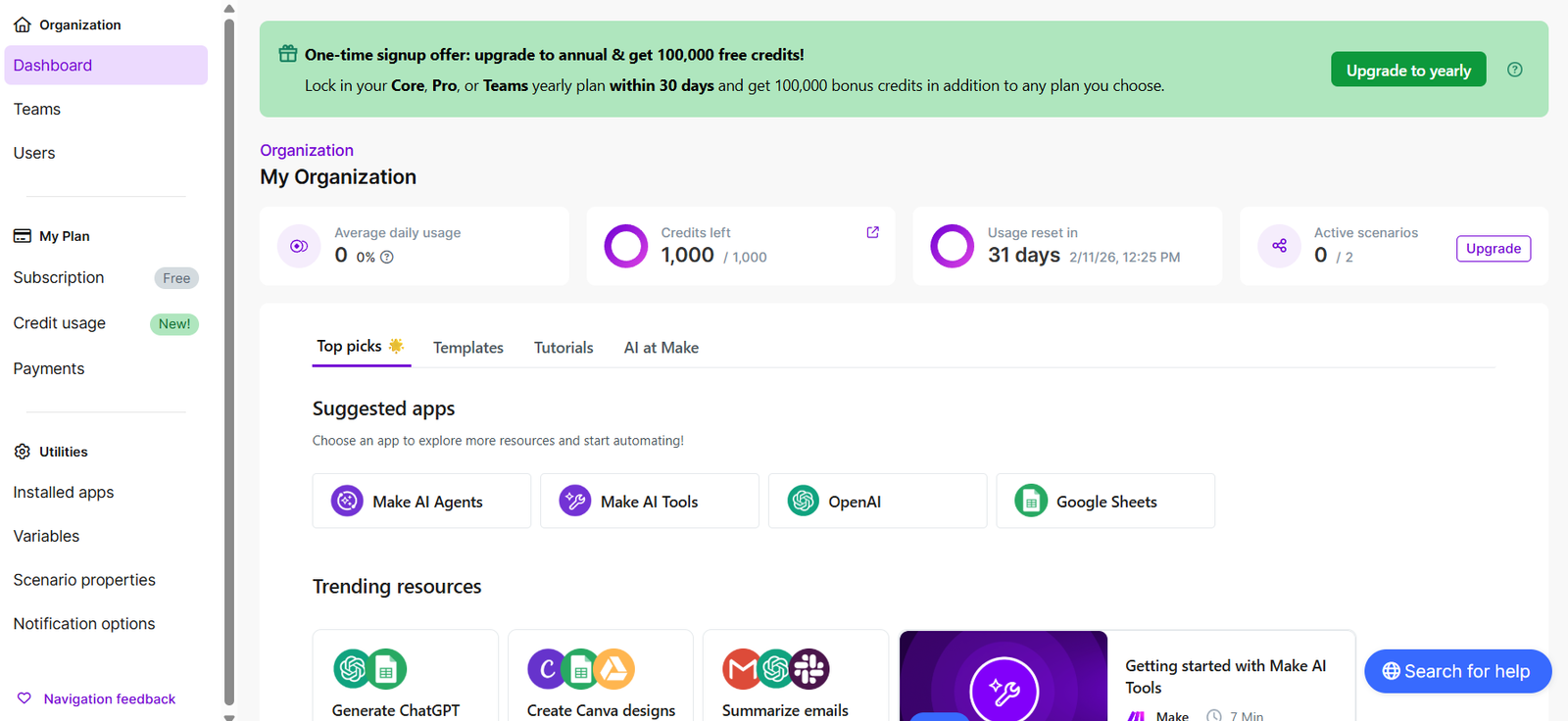
What Make.com Actually Does
Make connects apps that don't talk to each other naturally.
It uses a visual canvas where you drag "bubbles" (apps) and connect them with lines. Unlike Zapier's linear "Trigger -> Action" list, Make allows for complex logic: loops, routers, error handlers, and data transformation, all visualized on an infinite whiteboard.
Core Features
How to Use Make — Workflow
We used Make to connect our lead generation tool (**MeetAlfred**) to our CRM (**Flowlu**).
- The Trigger: Webhook received from MeetAlfred when a prospect replies "Interested."
- The Router: We added a filter.
- Path A: If email exists -> Create "Deal" in Flowlu.
- Path B: If email missing -> Use "Hunter.io" module to find email, then create Deal.
- The Action: Send a Slack notification to the sales team: "New Hot Lead: [Name]."
- The Result: This runs 50 times a day. On Zapier, this would cost $50/mo. On Make, it costs about $2.
Example Use Cases
Who Make Is Best For
- Agencies: Who manage automations for clients and need to keep costs low.
- Visual Thinkers: The canvas view is much more intuitive than Zapier's vertical list.
- Budget Conscious: The pricing model is unbeatable for high-volume tasks.
Who Should Avoid Make
- Total Beginners: It has a steeper learning curve. Terms like "JSON," "Arrays," and "Iterators" can be scary if you just want a simple connection.
- Simple Tasks: If you just want "Slack message when Email arrives," stick to Zapier. It's faster to set up.
Pricing & The "Operations" Math
Pricing is based on Operations. Every time a module works (e.g., "Add Row to Sheet"), that counts as 1 operation.
| Plan | Price | Included Operations |
|---|---|---|
| Free | $0 /mo | 1,000 /mo |
| Core | $9 /mo | 10,000 /mo |
| Pro | $16 /mo | 10,000 /mo (+ Priority execution) |
Comparison: To get 10,000 tasks on Zapier, you would pay roughly $129/month. On Make, you pay $9/month. That is a 93% saving.
How Make Compares (vs Zapier)
| Feature | Make.com | Zapier | n8n |
|---|---|---|---|
| Cost (10k tasks) | $9/mo | $129/mo | $20/mo (Self-host free) |
| Interface | Visual Canvas | Linear List | Visual Canvas |
| Ease of Use | Medium | Easy | Hard (Dev focused) |
| Apps | 1,600+ | 6,000+ | 1,000+ |
Limitations & Reality Check
- Operation Burn: Make counts every step. If you have a scenario that polls a Google Sheet every 1 minute to check for new rows, that uses 1 operation every minute (43,000/month) even if no data is found. You must design efficiently (use Webhooks instead of Polling).
- App Ecosystem: Zapier still connects to more obscure apps. Check the Make integration list before switching.
Best Practices: "Webhooks Only"
Don't use "Watch" triggers (Polling).
Pros & Cons
- Insanely cheap for high volume.
- Visual canvas is better for complex logic.
- Error handling is superior to Zapier.
- Free plan is generous (1,000 ops).
- Requires some technical thinking (Arrays/JSON).
- Fewer native apps than Zapier.
- "Polling" triggers burn credits fast.
Frequently Asked Questions
Is Make.com hard to learn?
It is harder than Zapier but easier than coding. If you understand basic logic (If This Then That), you can learn it in an afternoon. Their academy videos are excellent.
Can I import Zaps to Make?
No, there is no direct import button. You have to rebuild your scenarios manually. However, the visual nature of Make usually allows you to simplify messy Zaps into cleaner flows.
What is an Operation?
An operation is any time a module in your scenario performs an action. Triggering the scenario counts as 1. Filtering counts as 1. Sending an email counts as 1.
Is it reliable?
Yes. Make is enterprise-grade software used by companies like Meta and Uber. It has very high uptime and robust error logging.
Final Verdict
If you have a simple workflow like "Send Slack message when form submitted," stay on Zapier. It's easier.
But if you are building a business—if you have leads flowing, invoices generating, and CRMs updating—Make.com is the only logical choice. The cost savings (90% cheaper) and visual control make it the superior tool for growth.
Build Your First Scenario Free →